
THE ALARM CLOCK GUIDE
Your alarm.
Your way.
Learn the basics, fine-tune the little things and find help when you need it. One simple step at a time.
Real screenshots · Guides in English
All guides
What would you like to do?
Go straight to what you need. Each guide works on its own.
Your first alarm
Set an alarm step by step: time, days, name, sound and a final check.
02Days and repeats
Set an alarm for today, tomorrow, several days or a weekly routine.
03Organise alarms
Enable, disable, edit, delete and reorder your alarms.
04Sound, vibration and flash
Choose a tone or your music, set gradual volume and configure the flash.
05Light, shake and buttons
Stop or snooze your alarm with the room light, a shake or the volume keys.
06Turn off and snooze
Learn the hold controls, change the snooze interval and choose how long alarms ring.
07Appearance and settings
Change the theme, clock format and time picker, and auto-calibrate light sensor sensitivity for your room.
08Permissions and battery
Check notifications, exact alarms, full-screen access, Do Not Disturb and background activity.
09Troubleshooting
Find what to check if an alarm does not ring, stops by itself or does not show its screen.
A LITTLE LIGHT. A FRESH START.
Lights on. Alarm off.
Keep your phone away from your bed, in the same room. Its light sensor can stop or snooze the alarm when you switch on the lamp.
Set up light control You need a compatible light sensor, uncovered and correctly adjusted.Quick answers
A few things worth knowing
How do I set an alarm for just one time?
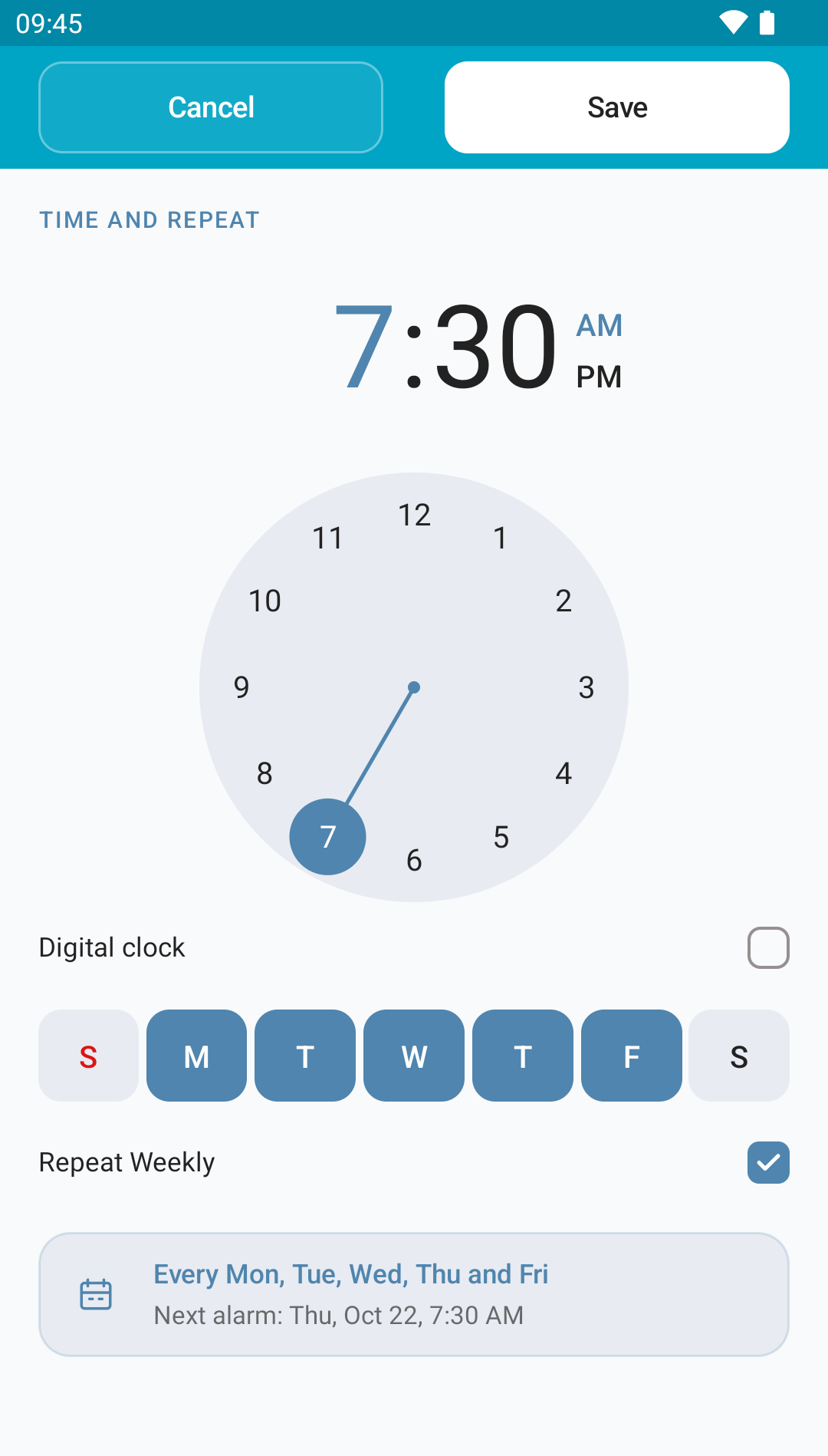
Turn off Repeat Weekly and leave all days unselected. The app chooses the next possible time, today or tomorrow. Check Next alarm, then save.
Days and repeatsCan I stop the alarm by turning on the light?
Yes, if your phone has an ambient light sensor. Enable light control for that alarm, choose Mute or Snooze and adjust sensitivity. The sensor must be uncovered and receive the room light.
Light, shake and buttonsWhy does a tap not turn the alarm off?
Hold Turn off or Snooze until the ring is full. The screen tells you how long to hold the button.
Turn off and snoozeWill it ring if my phone is switched off?
No. Your phone must be on and have enough battery. Check permissions, notifications and battery settings too.
Permissions and batteryCan I use my own music?
Yes. Under Alarm Tone, tap + ADD NEW and choose an audio file available on your phone. Save and test the alarm.
Sound, vibration and flash